Operating Instructions

Everything you can do with the two buttons on your jixmo.

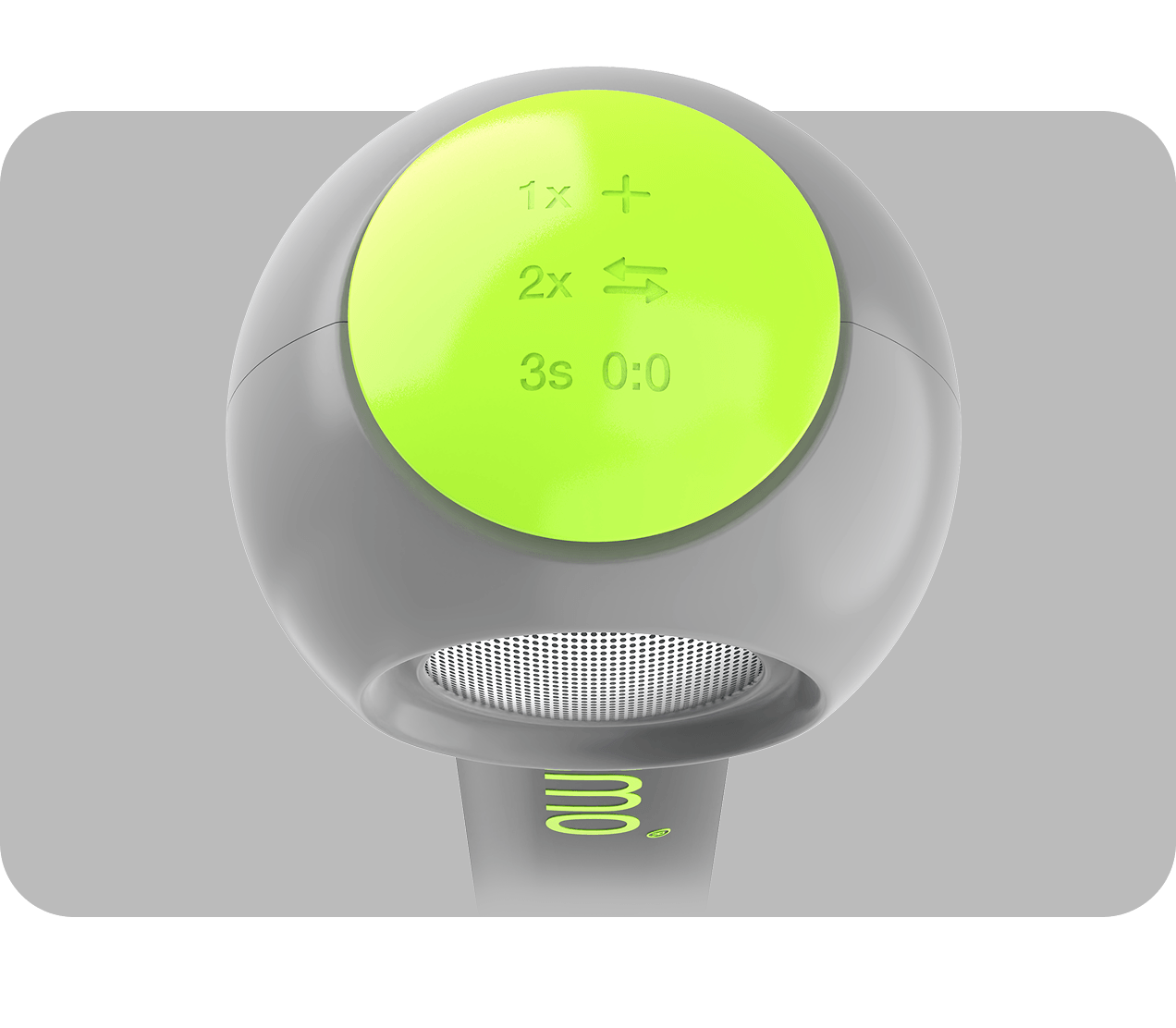
Big Button

big button top view
1× press Add point
2× press Switch sides
3× press (quickly!) Add point + switch sides
4× press (quickly!) New game
Press and hold Say your name — jixmo greets you back

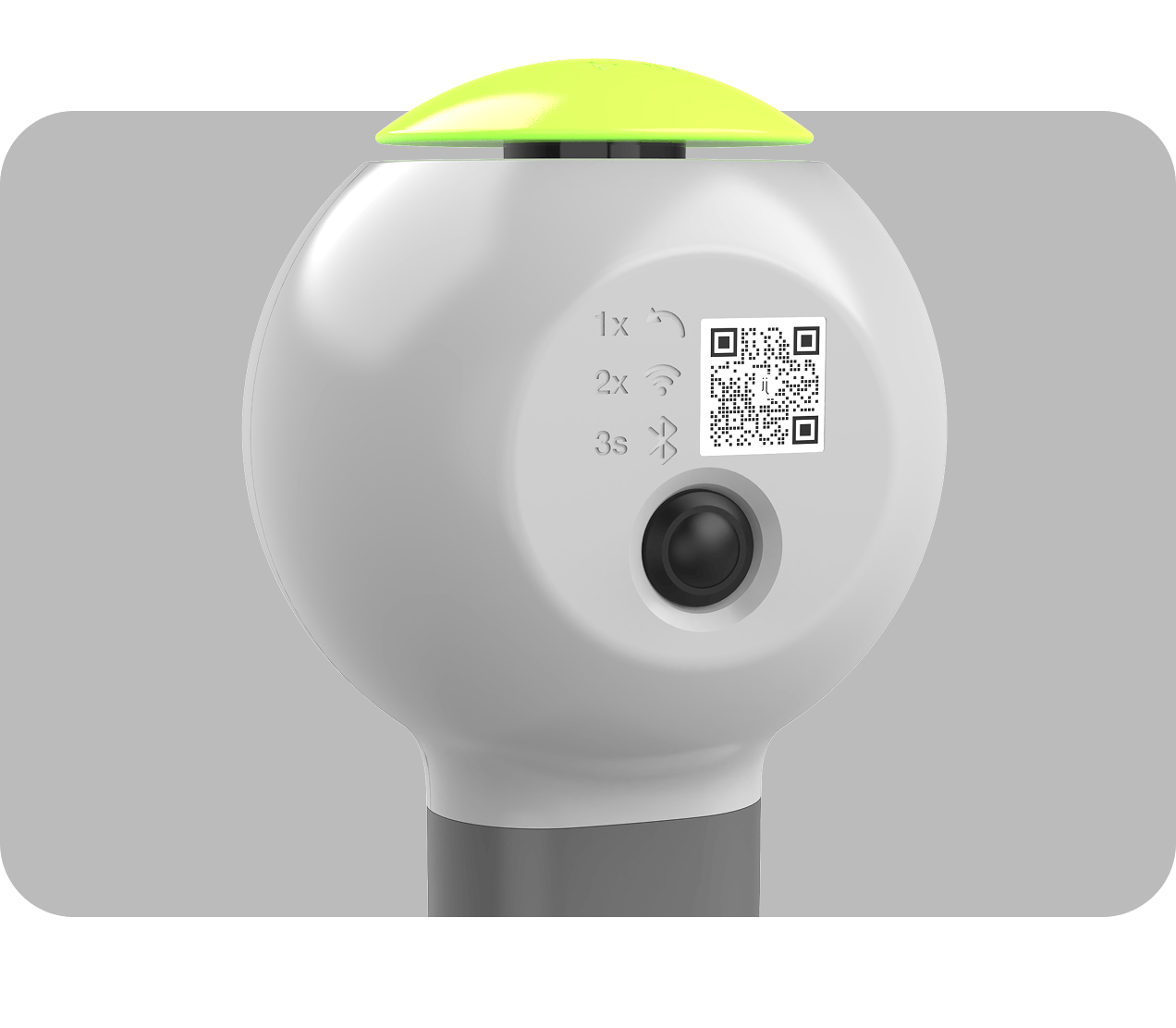
Small Button

small button side view
1× press Undo
3× press Settings menu (see below)

Settings Menu

Reached via Small Button 3× press (above). While the settings menu is open, the Big Button temporarily does the following instead of its normal gameplay actions:

1× press Device Pairing (retry)
2× press WiFi Setup
3× press Factory Reset
4× press Firmware Update
5× press Language Pack Update
Press and hold Exit & restart device (hold for about 2 seconds)

To leave the settings menu without restarting: press the Small Button three times again.